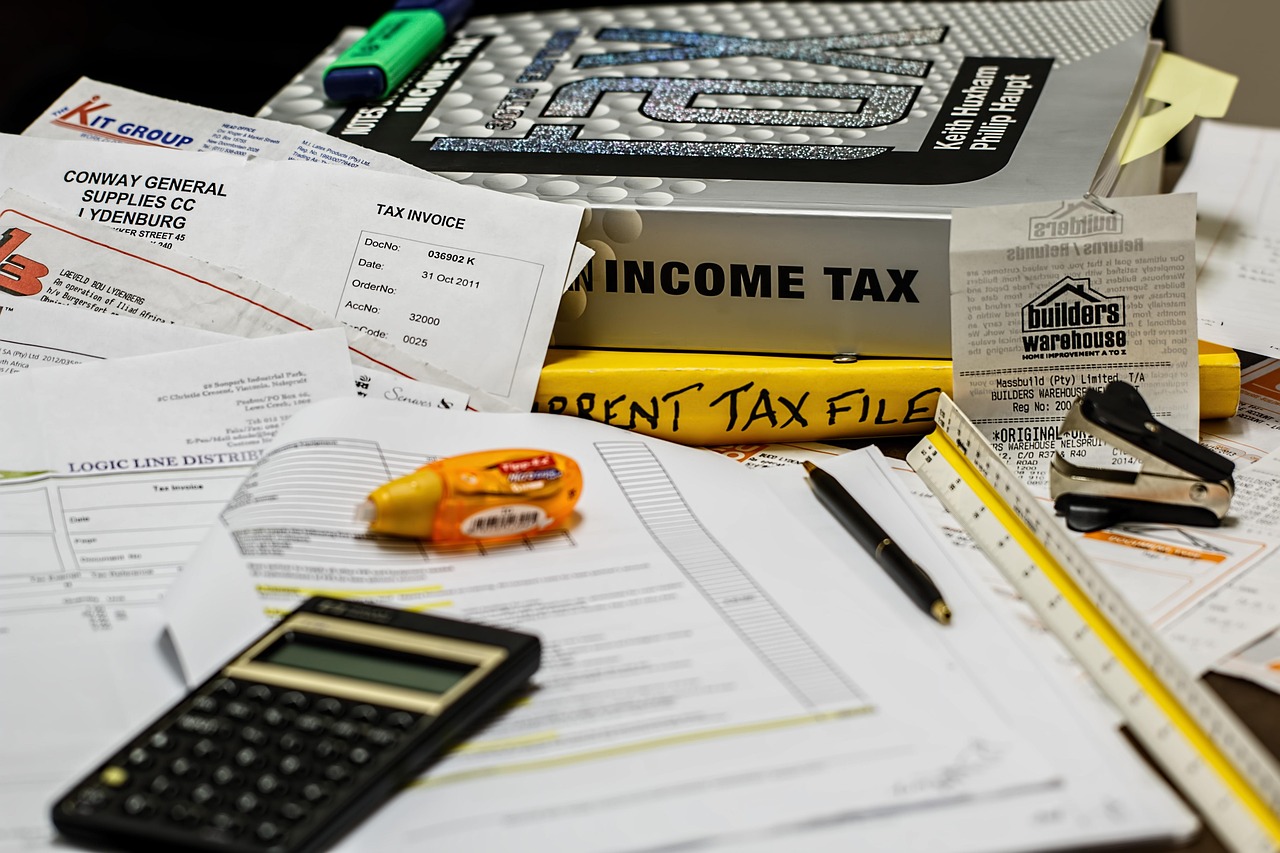
Protecting your tax records is more than just good housekeeping; it’s a critical step in safeguarding your identity, preventing fraud, and ensuring compliance with tax regulations. In an increasingly digital world, the risks associated with unsecured tax information are higher than ever. This guide provides a comprehensive overview of how to secure your tax records, both physical and digital, and offers practical tips to help you stay protected.
Understanding the Importance of Secure Tax Records
Tax records contain a wealth of sensitive personal information, including your Social Security number (SSN), address, bank account details, and income information. This data is a goldmine for identity thieves and can be exploited for various fraudulent activities.
Potential Risks of Unsecured Tax Records
- Identity Theft: Stolen SSNs can be used to open credit accounts, file fraudulent tax returns, and obtain government benefits.
- Financial Fraud: Bank account details can be used for unauthorized withdrawals and electronic transfers.
- Tax Refund Fraud: Criminals can file fake tax returns in your name and claim your refund. According to the IRS, billions of dollars are lost each year due to tax refund fraud.
- Business Fraud: Business tax records, if compromised, can lead to intellectual property theft, financial loss, and damage to your company’s reputation.
Legal and Compliance Obligations
Beyond the risks of fraud, maintaining secure tax records is also a legal requirement. The IRS requires taxpayers to keep records that support their tax returns for a specified period, typically three to seven years, depending on the type of record. Failure to do so can result in penalties and audits. For instance, keeping documentation related to business expenses is crucial in case of an audit.
Securing Physical Tax Records
While much of our information is now digital, many people still maintain physical copies of tax documents. It’s vital to store these records securely.
Best Practices for Physical Storage
- Use a Secure Location: Store your tax records in a locked filing cabinet or safe in a secure area of your home or office.
- Organize Your Records: Keep your records organized by year and type of document. This will make it easier to find them when needed and will aid in their secure destruction. For example, create separate folders for W-2s, 1099s, receipts, and other relevant documents.
- Shred Sensitive Documents: When you no longer need physical tax records, shred them using a cross-cut shredder. Don’t just throw them in the trash.
- Limit Access: Restrict access to your tax records to only those who need them.
- Fireproof Protection: Consider using a fireproof safe or container to protect your records from damage or loss in case of a fire.
Disposing of Old Tax Records
- Retention Period: The IRS generally recommends keeping tax records for at least three years from the date you filed your original return or two years from the date you paid the tax, whichever is later, if you file a claim for credit or refund after you filed your return. For audits, the statute of limitations is typically three years, but can be extended in certain circumstances.
- Secure Shredding: As mentioned, always shred sensitive documents before discarding them. Local shredding services often offer affordable and secure document destruction options.
- Recycling (After Shredding): Once the documents are shredded, you can recycle them responsibly.
Securing Digital Tax Records
In the digital age, securing your electronic tax records is equally, if not more, important than securing physical documents.
Protecting Your Devices
- Use Strong Passwords: Create strong, unique passwords for all your devices and online accounts. Use a combination of uppercase and lowercase letters, numbers, and symbols.
- Enable Two-Factor Authentication (2FA): Whenever possible, enable 2FA on your accounts. This adds an extra layer of security by requiring a second verification method, such as a code sent to your phone.
- Install Antivirus Software: Keep your devices protected with up-to-date antivirus software and regularly scan for malware.
- Keep Software Updated: Regularly update your operating system and software to patch security vulnerabilities.
- Use a Firewall: Ensure your firewall is enabled to protect your network from unauthorized access.
Secure Storage and Backup
- Encrypt Sensitive Files: Use encryption software to protect your tax records and other sensitive documents.
- Cloud Storage Considerations: If you store your tax records in the cloud, choose a reputable provider with strong security measures. Ensure the data is encrypted both in transit and at rest.
- Backup Your Data: Regularly back up your tax records to an external hard drive or cloud storage service. This will protect you from data loss due to hardware failure, theft, or ransomware attacks. Implement the 3-2-1 backup rule: 3 copies of your data, on 2 different media, with 1 copy offsite.
- Password-Protect Documents: Password-protect your tax documents before storing them digitally. Most document creation programs allow you to password-protect files.
Safe Email Practices
- Be Wary of Phishing Emails: Be cautious of emails claiming to be from the IRS or other financial institutions asking for your personal information. The IRS typically communicates via mail and will never ask for sensitive information via email.
- Use Secure Email Services: Consider using encrypted email services for sending sensitive tax-related information.
- Avoid Clicking Suspicious Links: Do not click on links or open attachments from unknown senders.
Choosing a Secure Tax Preparation Method
The method you use to prepare your taxes can also impact the security of your tax records.
Secure Tax Software
- Reputable Providers: Use reputable tax software from well-known providers with strong security features.
- Encryption: Ensure the software encrypts your data both in transit and at rest.
- Password Protection: Use a strong, unique password to protect your tax software account.
- Security Updates: Keep your tax software up to date with the latest security patches.
Hiring a Professional Tax Preparer
- Credentials: Choose a qualified tax preparer, such as a Certified Public Accountant (CPA) or Enrolled Agent (EA).
- Security Measures: Ask your tax preparer about their security measures for protecting your tax records.
- Data Protection Policies: Inquire about their data protection policies and how they handle sensitive information.
- Physical Security: Consider the security of their office and how documents are handled.
Avoiding Scams and Fraudulent Preparers
- Unrealistic Promises: Be wary of tax preparers who promise unrealistically large refunds or guarantee specific outcomes.
- Lack of Transparency: Avoid tax preparers who are unwilling to answer your questions or provide clear explanations of their fees and services.
- Pressure Tactics: Do not work with tax preparers who pressure you to sign blank forms or provide false information.
- IRS Directory: Use the IRS directory to find qualified and credentialed tax professionals.
Monitoring and Responding to Security Breaches
Despite your best efforts, security breaches can still occur. It’s important to monitor your accounts and take prompt action if you suspect a breach.
Recognizing Signs of a Breach
- Unexplained Account Activity: Monitor your bank accounts, credit reports, and tax records for any unexplained activity.
- Suspicious Emails or Phone Calls: Be alert for phishing emails or phone calls asking for your personal information.
- Data Breach Notifications: Pay attention to data breach notifications from companies or organizations you do business with.
Steps to Take After a Breach
- Report the Breach: Immediately report the breach to the IRS, your bank, and credit bureaus.
- Change Passwords: Change your passwords for all your online accounts.
- Place a Fraud Alert: Place a fraud alert on your credit reports.
- Monitor Your Credit Reports: Regularly monitor your credit reports for any signs of identity theft.
- File a Police Report: File a police report if you suspect you have been a victim of identity theft or fraud.
- IRS Identity Protection PIN (IP PIN): If you are a victim of tax-related identity theft, the IRS may issue you an Identity Protection PIN (IP PIN) to help protect your tax account.
Conclusion
Securing your tax records is an ongoing process that requires vigilance and proactive measures. By understanding the risks, implementing best practices for physical and digital security, choosing a secure tax preparation method, and monitoring for breaches, you can significantly reduce your risk of becoming a victim of identity theft and fraud. Remember to stay informed about the latest security threats and adapt your practices accordingly. Taking these steps will protect your personal information, financial well-being, and compliance with tax regulations.