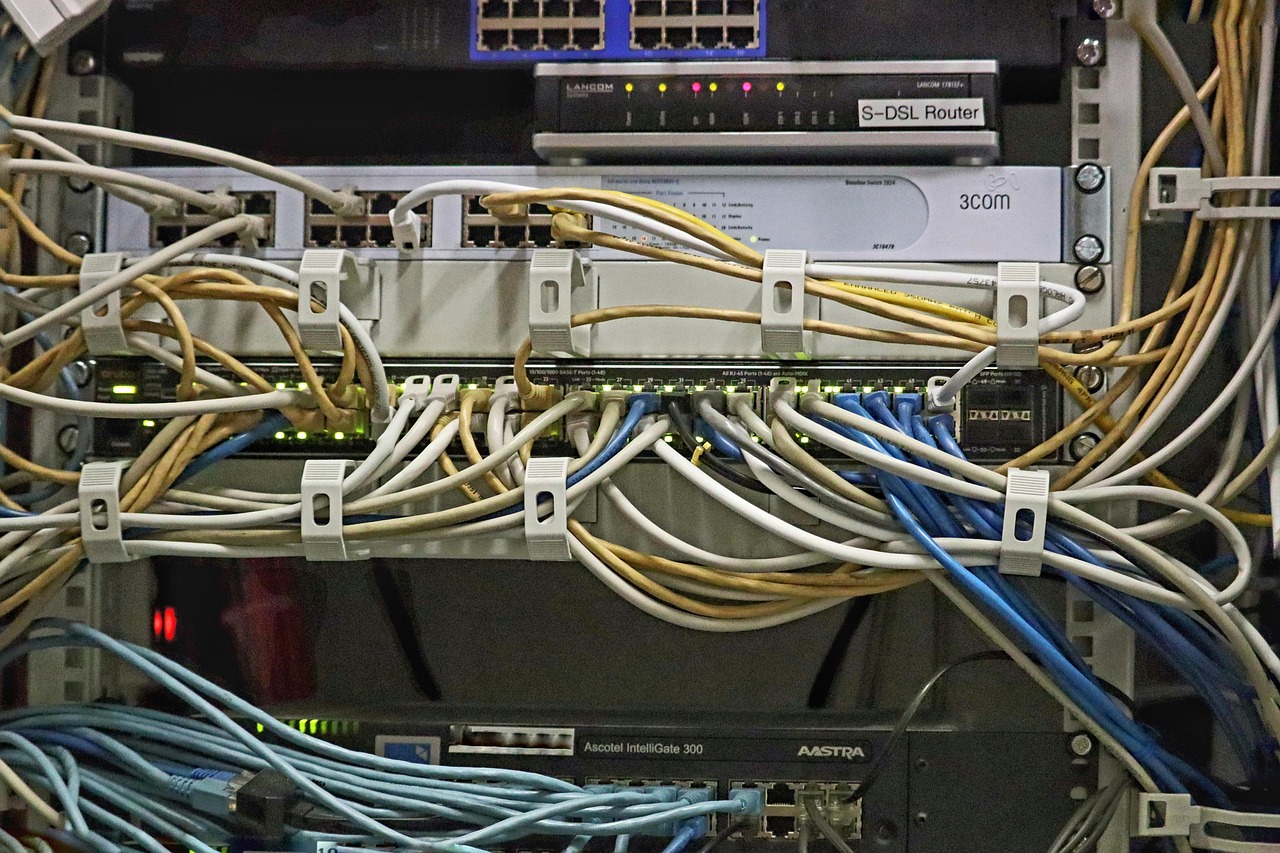
Cloud integration is no longer a futuristic concept; it’s the bedrock of modern, agile, and scalable businesses. Seamlessly connecting your on-premises infrastructure with cloud services, or even different cloud platforms together, unlocks a world of possibilities, from streamlined operations and enhanced collaboration to reduced costs and improved data accessibility. But navigating the complexities of cloud integration requires a strategic approach. This comprehensive guide will delve into the essential aspects of cloud integration, providing you with the knowledge and insights to successfully integrate your cloud solutions and drive business value.
What is Cloud Integration?
Defining Cloud Integration
Cloud integration is the process of connecting various cloud-based services and applications, or connecting cloud services with existing on-premises (or legacy) systems. This allows data and processes to flow freely between different environments, creating a unified and streamlined IT infrastructure. It’s more than just moving data; it’s about enabling seamless communication and collaboration across all your business functions. It allows you to combine the power of diverse cloud services, such as CRM, ERP, storage, and analytics, into a cohesive system.
Why Cloud Integration is Important
The shift towards cloud computing has been dramatic. According to a report by Gartner, worldwide end-user spending on public cloud services is forecast to grow 20.4% in 2024 to total $678.8 billion. This widespread adoption highlights the importance of efficient cloud integration. Without proper integration, businesses risk creating data silos, hindering productivity, and missing out on valuable insights. Cloud integration is vital because it:
- Enhances Data Accessibility: Breaks down data silos, making information readily available across the organization.
- Streamlines Workflows: Automates processes and eliminates manual data entry, saving time and resources.
- Improves Collaboration: Enables teams to collaborate more effectively by providing a shared view of data and processes.
- Reduces Costs: Optimizes resource utilization and eliminates redundant infrastructure, leading to significant cost savings.
- Increases Agility: Enables businesses to quickly adapt to changing market conditions by leveraging the scalability and flexibility of the cloud.
- Drives Innovation: Provides access to advanced cloud services, such as AI and machine learning, empowering businesses to innovate and gain a competitive edge.
Types of Cloud Integration
Choosing the right approach for your cloud integration strategy depends heavily on your specific needs, existing infrastructure, and the types of applications and services you are using. Here are some common integration types:
Application Integration
This involves connecting different applications, whether they are cloud-based or on-premises. It aims to ensure that data and functionalities are shared and synchronized across these applications.
- Example: Integrating a CRM system (like Salesforce) with an ERP system (like SAP) to automatically update customer information and order details. This eliminates manual data entry and ensures data consistency across both systems. A middleware platform often facilitates this type of integration.
Data Integration
Data integration focuses on combining data from various sources into a unified view. This is crucial for businesses looking to gain insights from their data.
- Example: Integrating data from multiple marketing platforms (Google Ads, Facebook Ads, email marketing) into a single data warehouse for comprehensive marketing performance analysis. This allows marketers to see the complete picture of their campaigns and optimize their strategies. Tools like ETL (Extract, Transform, Load) are commonly used for this.
Process Integration
This type of integration focuses on streamlining business processes across different systems. It automates workflows and reduces manual intervention.
- Example: Integrating an e-commerce platform with a shipping provider to automatically generate shipping labels and track packages. This streamlines the order fulfillment process and improves customer satisfaction.
Infrastructure Integration
Connecting cloud and on-premises infrastructure to create a hybrid cloud environment. This allows organizations to leverage the benefits of both cloud and on-premises resources.
- Example: Using a cloud-based disaster recovery solution to back up critical data and applications from an on-premises data center. This ensures business continuity in the event of a disaster. This typically involves using VPNs or dedicated network connections.
Cloud Integration Strategies
There are several architectural patterns used in cloud integration, each with its own strengths and weaknesses.
iPaaS (Integration Platform as a Service)
An iPaaS solution provides a cloud-based platform for integrating different applications and services. It offers a range of pre-built connectors and integration tools, making it easier to connect disparate systems.
- Benefits:
– Faster Integration: Pre-built connectors and tools accelerate the integration process.
– Scalability: Handles increasing integration demands as your business grows.
– Reduced Costs: Eliminates the need for complex infrastructure and specialized development skills.
– Example: Using Dell Boomi or MuleSoft Anypoint Platform to connect various cloud applications like Salesforce, NetSuite, and Workday. These platforms provide drag-and-drop interfaces and pre-built connectors to simplify the integration process.
ESB (Enterprise Service Bus)
An ESB is a software architecture pattern used to facilitate communication and data exchange between different applications and services within an enterprise. It acts as a central hub, providing a standardized interface for connecting various systems.
- Benefits:
– Centralized Integration: Provides a single point of control for managing integrations.
– Loose Coupling: Enables applications to communicate without being tightly coupled, making it easier to modify and maintain the system.
– Standardized Communication: Enforces consistent communication protocols and data formats across all applications.
- Example: Using Apache Camel or Red Hat JBoss Fuse to integrate legacy systems with modern cloud applications. The ESB acts as a translator, converting data and protocols between different systems.
Direct API Integration
This involves directly connecting applications using their respective APIs (Application Programming Interfaces). It requires custom coding and a deep understanding of each application’s API.
- Benefits:
– Flexibility: Provides complete control over the integration process.
– Performance: Can be optimized for specific integration scenarios.
- Drawbacks:
– Complexity: Requires significant development effort and expertise.
– Maintenance: Can be challenging to maintain as APIs evolve.
- Example: Building a custom integration between a payment gateway and an e-commerce platform using their respective APIs. This requires developers to write code that handles the communication and data exchange between the two systems.
Event-Driven Architecture
This architectural style focuses on the production and consumption of events to facilitate communication and integration between systems. This is often used in microservices architectures.
- Benefits:
– Real-time Communication: Enables instant updates and notifications.
– Scalability: Can handle a large volume of events efficiently.
– Decoupling: Systems are loosely coupled, making them more resilient and easier to maintain.
- Example: Using Apache Kafka or AWS Kinesis to stream real-time data from IoT devices to various analytics and monitoring systems. The event-driven architecture enables businesses to quickly respond to changing conditions and optimize their operations.
Choosing the Right Cloud Integration Approach
Selecting the best cloud integration approach requires careful consideration of various factors.
Assess Your Needs
- Identify integration requirements: What systems need to be connected? What data needs to be shared?
- Evaluate existing infrastructure: What is your current IT landscape? What are the limitations and constraints?
- Determine budget and resources: How much can you spend on integration? What skills and expertise are available in-house?
- Example: A small business with limited resources might opt for an iPaaS solution due to its ease of use and pre-built connectors. A large enterprise with complex integration requirements might prefer an ESB or a custom API integration approach.
Security Considerations
- Data encryption: Encrypt sensitive data in transit and at rest.
- Access control: Implement robust access control policies to prevent unauthorized access.
- Compliance: Ensure compliance with relevant regulations, such as GDPR and HIPAA.
- Regular Audits: Conduct regular security audits to identify and address vulnerabilities.
- Example: Using secure APIs and encryption protocols to protect sensitive customer data when integrating a CRM system with a marketing automation platform. Implementing multi-factor authentication to restrict access to critical integration infrastructure.
Scalability and Performance
- Design for scalability: Ensure that the integration solution can handle increasing data volumes and transaction rates.
- Optimize performance: Optimize data transfer and processing to minimize latency and improve response times.
- Monitoring and alerting: Implement monitoring and alerting systems to detect and address performance issues.
- Example: Using a caching mechanism to reduce the load on backend systems and improve response times. Implementing load balancing to distribute traffic across multiple servers and ensure high availability.
Best Practices for Cloud Integration
Following these best practices can significantly improve the success of your cloud integration initiatives.
Plan Thoroughly
- Define clear goals: What do you want to achieve with cloud integration?
- Develop a detailed roadmap: Outline the steps involved in the integration process.
- Identify key stakeholders: Who needs to be involved in the integration project?
- Example: Creating a project plan with clearly defined milestones, tasks, and responsibilities. Conducting regular meetings with stakeholders to ensure that everyone is on the same page.
Use Standardized APIs
- Leverage RESTful APIs: Use RESTful APIs for easy integration with various systems.
- Follow API best practices: Adhere to API design principles and documentation standards.
- Use API management tools: Manage and monitor APIs using API management platforms.
- Example: Using OpenAPI Specification (Swagger) to document APIs and generate client SDKs. Implementing rate limiting and authentication policies to protect APIs from abuse.
Monitor and Manage Integrations
- Implement monitoring tools: Track the performance and health of integrations.
- Set up alerts: Receive notifications when errors or performance issues occur.
- Use logging: Log integration events for troubleshooting and auditing.
- Example: Using Prometheus and Grafana to monitor the performance of an ESB. Setting up alerts to notify administrators when integration failures occur.
Conclusion
Cloud integration is a critical enabler of digital transformation, empowering businesses to leverage the full potential of the cloud. By understanding the different types of cloud integration, choosing the right integration strategies, and following best practices, organizations can seamlessly connect their cloud services, streamline their operations, and drive business value. Embracing cloud integration is not just about technology; it’s about fostering a culture of collaboration, innovation, and continuous improvement. It is an ongoing process, requiring continual adaptation and optimization as business needs evolve and technology advances.